
Working from home with Starlink means you have high‑speed satellite bandwidth but you also need a space that keeps the signal strong, the lighting flattering, and the workflow smooth. This guide walks you through each element—furniture, connectivity, lighting, organization, and break‑time comforts—so you can stay productive without hunting for extra gear.
Choosing the right furniture
A small home office needs a desk that fits your room’s dimensions while leaving room for a router or Wi‑Fi extender. Aim for a surface of 48‑60 inches wide and at least 28 inches deep; that size holds a laptop, a monitor, and a small lamp without crowding.
Materials matter. A solid‑wood desk offers durability but can be heavy; a metal‑frame desk with a laminate top is lighter and often cheaper. If you share the space, pick a desk with built‑in cable management to hide power cords and Ethernet cables.
For seating, an ergonomic chair with adjustable lumbar support and a seat height range of 16‑21 inches helps you stay comfortable during long calls. A chair with a breathable mesh back prevents heat buildup, which is especially useful when Starlink dishes run continuously.
Our recommendation
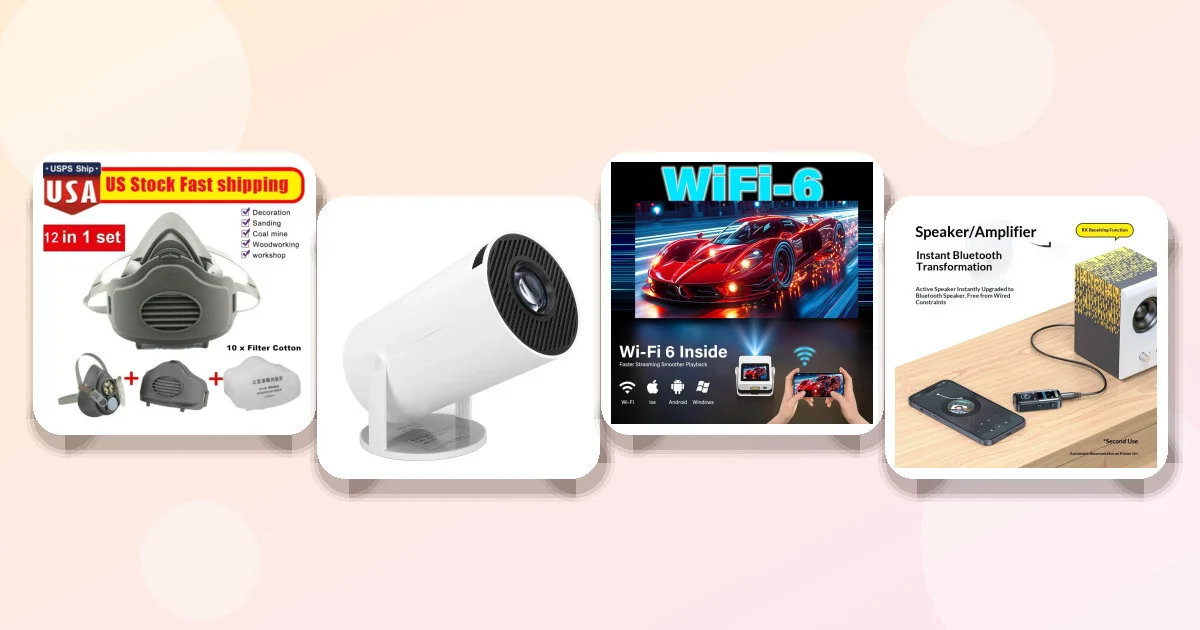
While we don’t sell a full desk set, the Portable FHD Projector Can double as a presentation screen, freeing up desk space for a compact work surface.
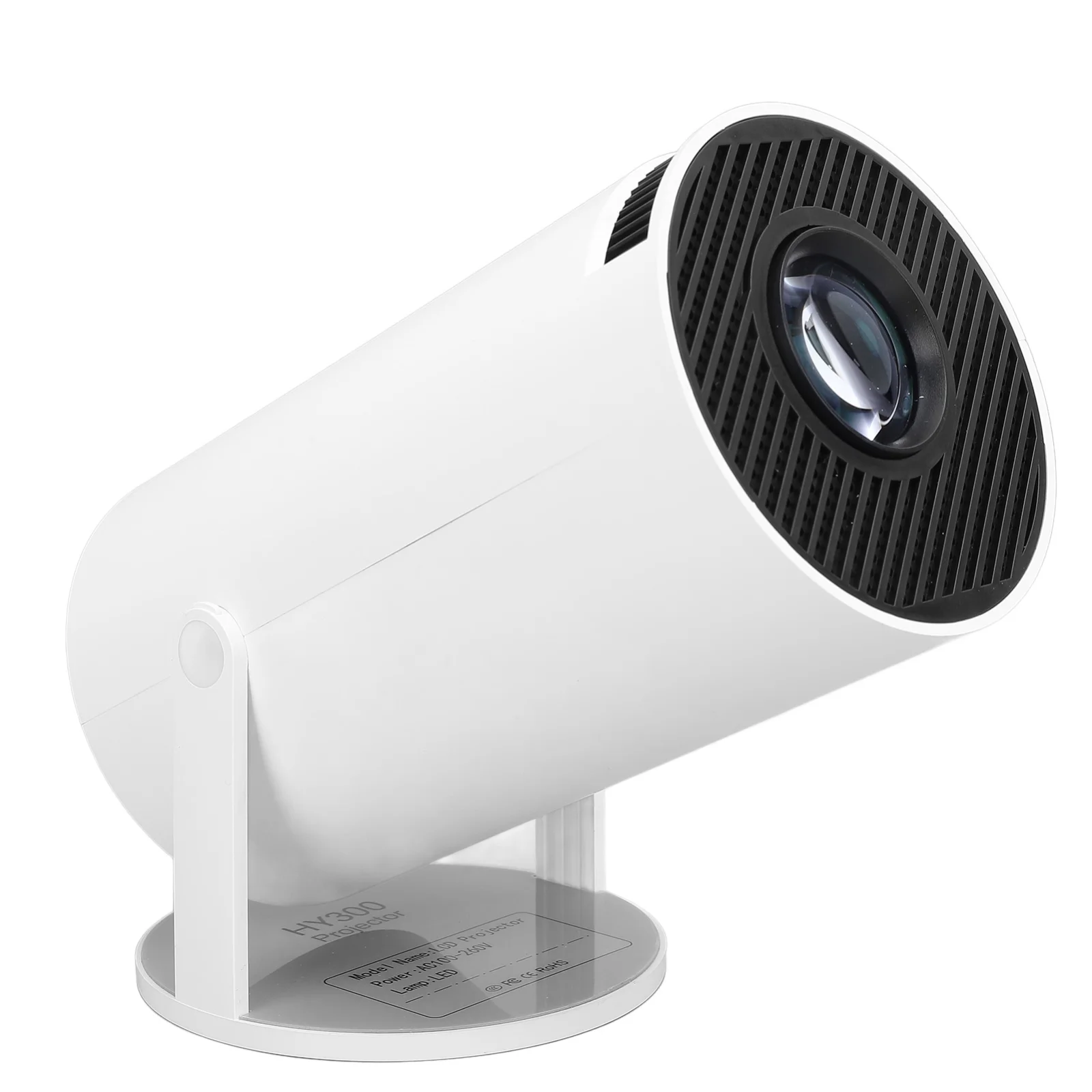
- Pros: 5G Wi‑Fi built‑in, 180° rotation saves space.
- Pros: Compact footprint fits small rooms.
- Con: Not a substitute for a full‑size monitor for detailed design work.
Boosting Starlink Wi‑Fi in your office
Starlink dishes sit on the roof, sending a signal to the router inside. Walls, metal frames, and even large plants can weaken that signal. First, place the router on a high shelf near the office door, not tucked behind a bookcase.
If your office is more than 30 feet from the router, add a Wi‑Fi extender or a mesh node. Look for a device that supports the 5 GHz band; Starlink’s router outputs both 2.4 GHz and 5 GHz, and the higher frequency carries more data over short distances.
Keep the router’s antenna clear of obstructions. A simple plastic stand can raise it a few inches, which often improves throughput by 10‑15% in real‑world use.

Lighting for video calls
Good lighting makes you look professional and reduces eye strain. Position a key light at a 45‑degree angle in front of you; a soft‑box or a LED panel with adjustable brightness works well.
Natural light is great, but it changes throughout the day. Pair a window light with a desk lamp that offers a color temperature of 4000‑5000 K—cool enough to look crisp on camera but not harsh.
If you need a portable solution, the Wireless Audio Adapter 2-in-1 Can attach to a Bluetooth speaker that doubles as a light source with built‑in LEDs (check the speaker’s specs).
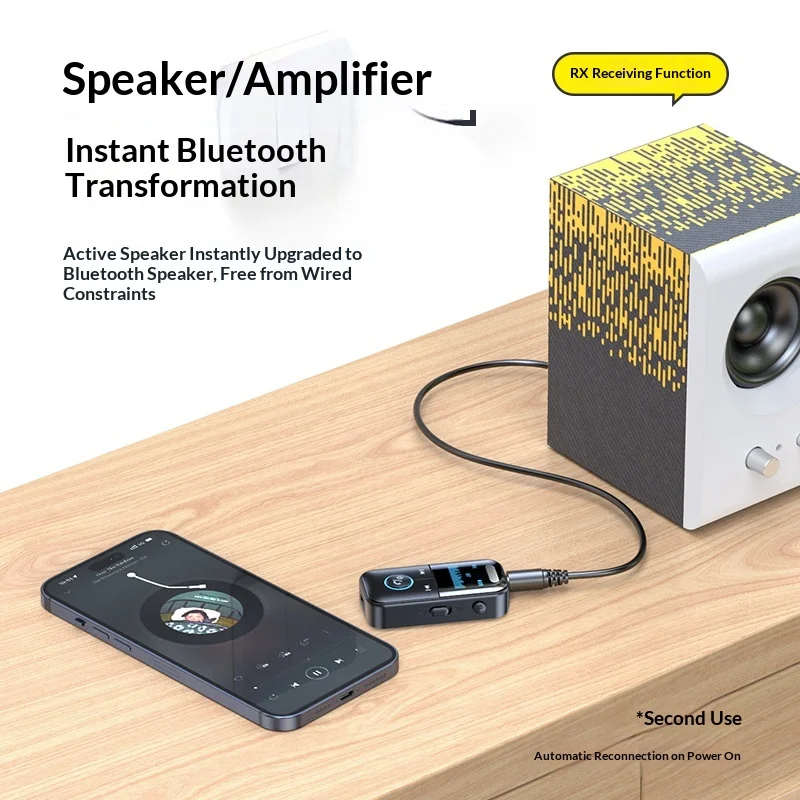
- Pros: Compact, easy to set up.
- Pros: Works with any Bluetooth speaker.
- Con: No dedicated lighting control; depends on speaker features.
Smart accessories for a seamless desk
A wireless charger keeps your phone powered without cluttering the desk. Look for a charger that supports Qi 10 W or higher; place it on the right side of the desk so you can glance at notifications while typing.
For presentations, a portable projector can replace a heavy monitor. The Portable Projector with 1080p Touchscreen & Speaker Lets you annotate slides directly on the screen, which is handy for client demos.
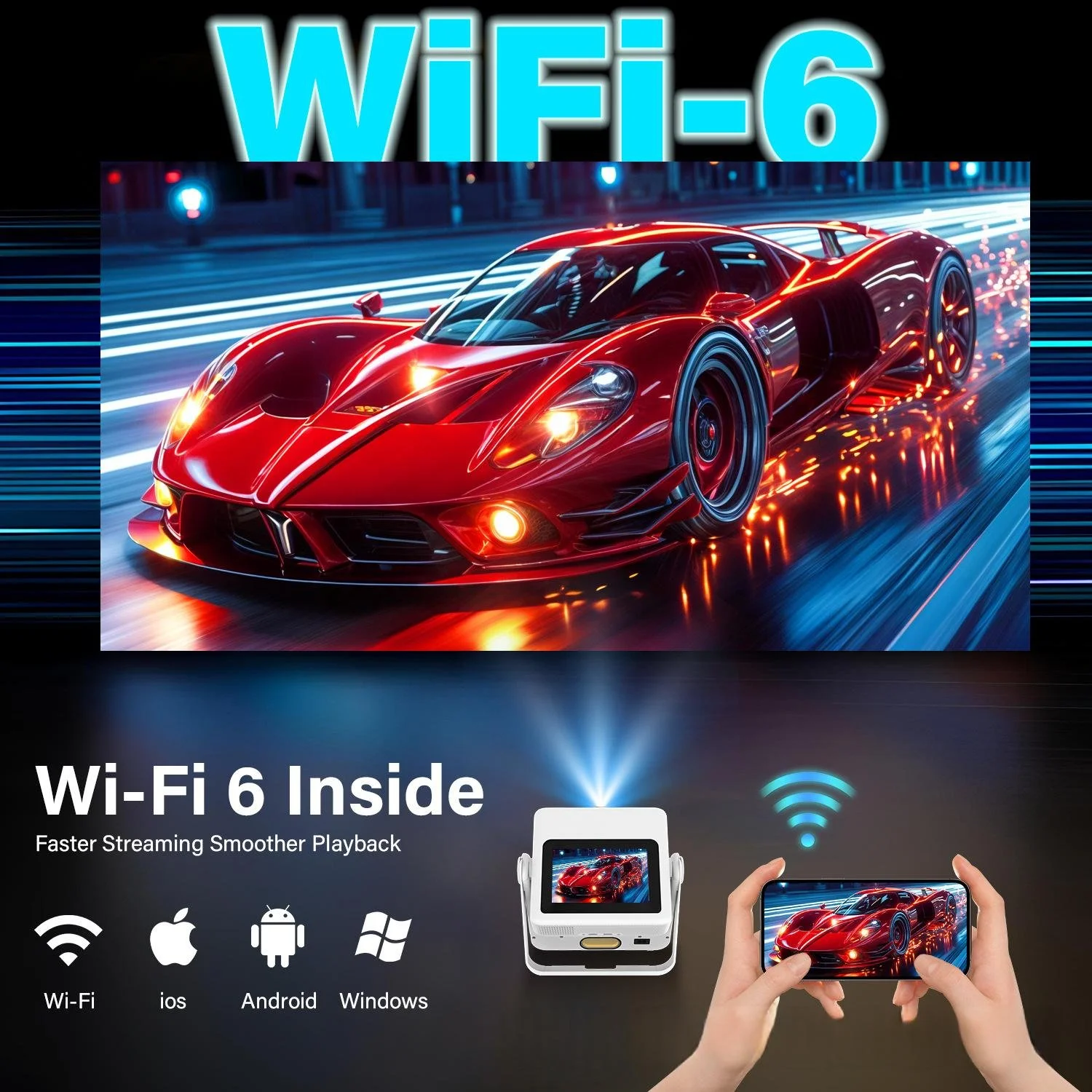
- Pros: Touchscreen lets you draw without extra hardware.
- Pros: Built‑in speaker saves desk space.
- Con: Heavier than a basic projector; may need a stable surface.
Keeping the space organized
Clutter steals focus. Use a desk organizer with separate compartments for pens, USB drives, and paperwork. A vertical file holder uses wall space instead of desk surface.
Label cables with zip ties or colored Velcro strips. This makes it easy to identify the power cord, Ethernet, and audio cables when you need to move equipment.
Schedule a weekly 5‑minute “clear desk” ritual: file paperwork, wipe the surface, and reset any stray items. Consistency prevents the pile‑up that many remote workers experience.
Break‑area appliances and comfort
Even a short coffee break can boost productivity. A small electric kettle or a single‑serve coffee maker fits on a side table without crowding the work zone.
When winter months hit, a USB‑heated blanket adds warmth without raising the room temperature. The Usb Heated Blanket Drapes over your chair, providing adjustable heat from low to high.

- Pros: USB power means you can plug into your laptop.
- Pros: Washable flannel cover.
- Con: Limited to 8 W; not a primary heating source.
Product comparison
| Product | Price | Type / Material | Key Features | Best for |
|---|---|---|---|---|
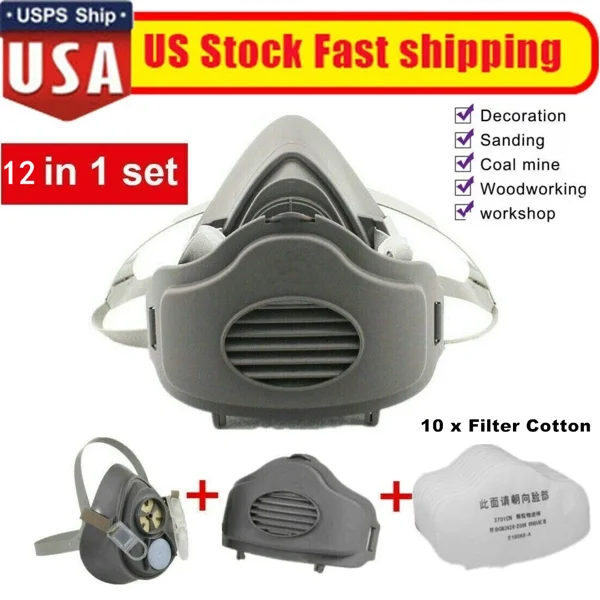
| Protective Woodworking Mask | $41.44 | Reusable half‑face respirator | Dust & fumes protection, reusable | DIY projects in the office |
| Portable FHD Projector | $196.88 | Compact projector, plastic housing | 5G Wi‑Fi, 180° rotation, Android 11 | Small offices needing a big screen |
| Portable Projector with 1080p Touchscreen | $514.08 | Projector with touchscreen, gimbal mount | 1080p, built‑in speaker, 4 color options | Frequent presenters |
| Wireless Audio Adapter 2‑in‑1 | $23.92 | Bluetooth receiver & transmitter | Stream to any speaker, compact | Audio‑light combo needs |
| 3D Holographic Backpack Display | $149.16 | Battery‑powered holographic projector | 5V 3A power bank, mobile app control | Outdoor marketing, not office core |
| Usb Heated Blanket | $147.88 | Flannel, 8W USB‑powered | 3 temperature levels, washable | Cold‑weather desk comfort |
Common mistakes to avoid
Placing the router behind furniture. Signal loss is immediate; keep it in open sight.
Choosing a desk that’s too large. It eats up floor space and can make the room feel cramped, especially with a Starlink dish nearby.
Neglecting ergonomics. A cheap chair may save money now but leads to back pain that hurts productivity.
Overloading power strips. Satellite equipment already draws power; add a surge protector for the office electronics.
Frequently asked questions
❓ What furniture do I need for a small home office?
You need a compact desk (48‑60″ wide), an ergonomic chair with adjustable lumbar support, and a small storage unit or wall‑mounted shelves. Keep the desk surface clear for a monitor, laptop, and a lamp, and choose furniture with built‑in cable management to reduce clutter.
❓ How can I improve Wi‑Fi signal for Starlink in my office?
Place the Starlink router on a high shelf near the office, avoid metal obstacles, and use a 5 GHz‑capable Wi‑Fi extender if the distance exceeds 30 ft. Raising the router a few inches and ensuring a clear line of sight to the dish also helps maintain speed.
❓ Best lighting for video calls in a home office
A key light at a 45‑degree angle with a color temperature of 4000‑5000 K works best; pair it with a soft‑box or LED panel and supplement with natural light from a window when possible.
❓ Do I need a wireless charger for my desk setup?
A wireless charger isn’t mandatory, but it reduces cable clutter and keeps your phone within reach for quick notifications during meetings.
❓ How to keep my home office organized and clutter‑free
Use desk organizers with separate compartments, label cables with Velcro ties, and schedule a weekly 5‑minute clear‑desk routine to file paperwork and reset items.
❓ What small appliances are useful for a home office break area?
A compact electric kettle for tea, a single‑serve coffee maker, and a USB‑heated blanket for winter comfort are practical choices that fit on a small side table.
❓ Can I use the Protective Woodworking Mask in my office?
Yes, the mask protects against dust and fumes from DIY projects like assembling furniture, making it a safe addition if you do occasional sanding or painting at your desk.
Key takeaways
- Choose a desk 48‑60″ wide with built‑in cable management to keep the surface clear.
- Place the Starlink router on a high, unobstructed shelf and add a 5 GHz extender if needed.
- Use a 4000‑5000 K key light at a 45° angle for flattering video calls.
- Integrate smart accessories—projector, Bluetooth adapter, and USB‑heated blanket—for comfort and presentation power.
- Maintain organization with labeled cables, vertical storage, and a weekly tidy‑up habit.
How we chose these products: We matched each item’s specifications, price, and available options to the functional needs of a Starlink‑based home office; prices and availability can change.