
You're about to join a holiday video call and want to look festive without feeling like you're in a costume. Below you’ll learn how to choose a camera‑friendly sweater, avoid common pitfalls, and accessorize so you appear polished from head to toe.
Choose the right color for the camera
Camera sensors capture color differently than the human eye. Mid‑tone colors (royal blue, teal, burgundy, forest green) provide contrast without blowing out highlights.
Why bright whites and deep blacks can be problematic
Pure white reflects a lot of light and can cause the camera to over‑expose your face. Black absorbs light, making details in the sweater hard to see and casting shadows on your shoulders. Stick to colors that sit in the middle of the spectrum.
Best solid‑color options from our list
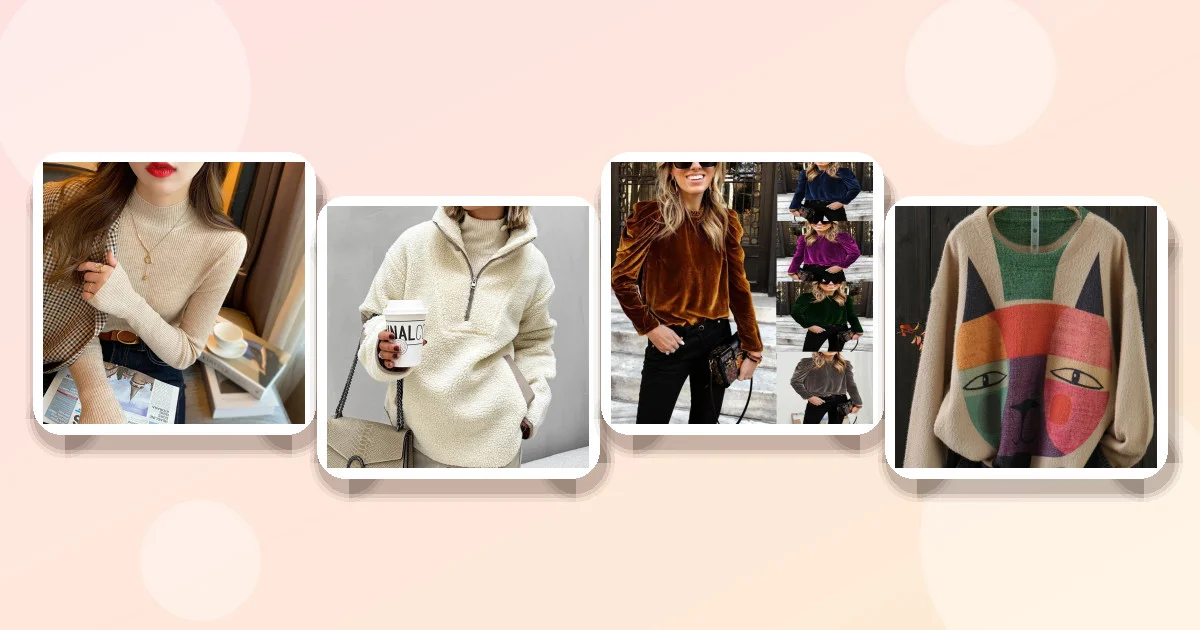
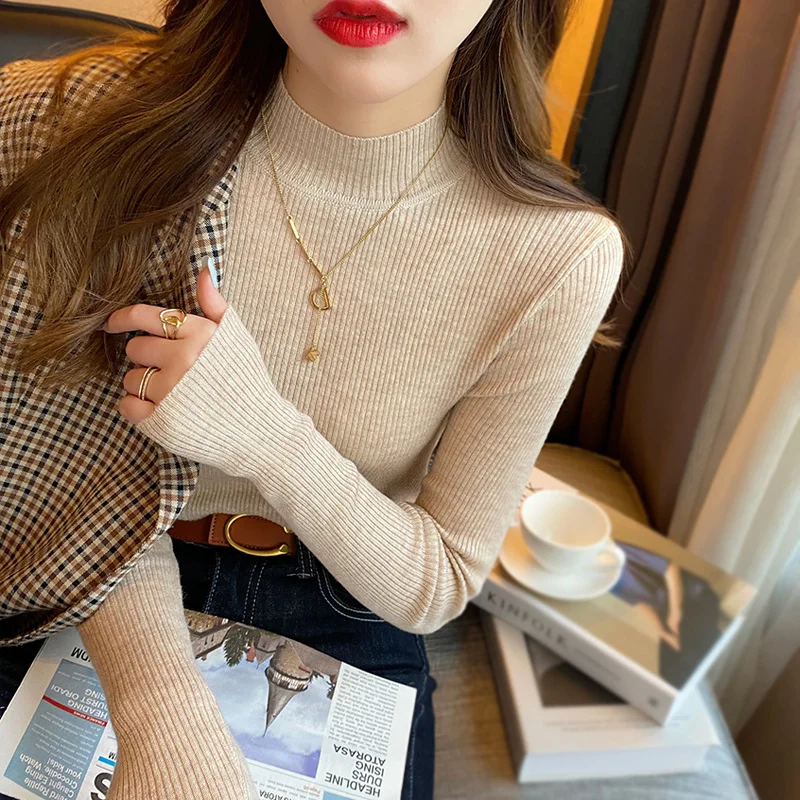
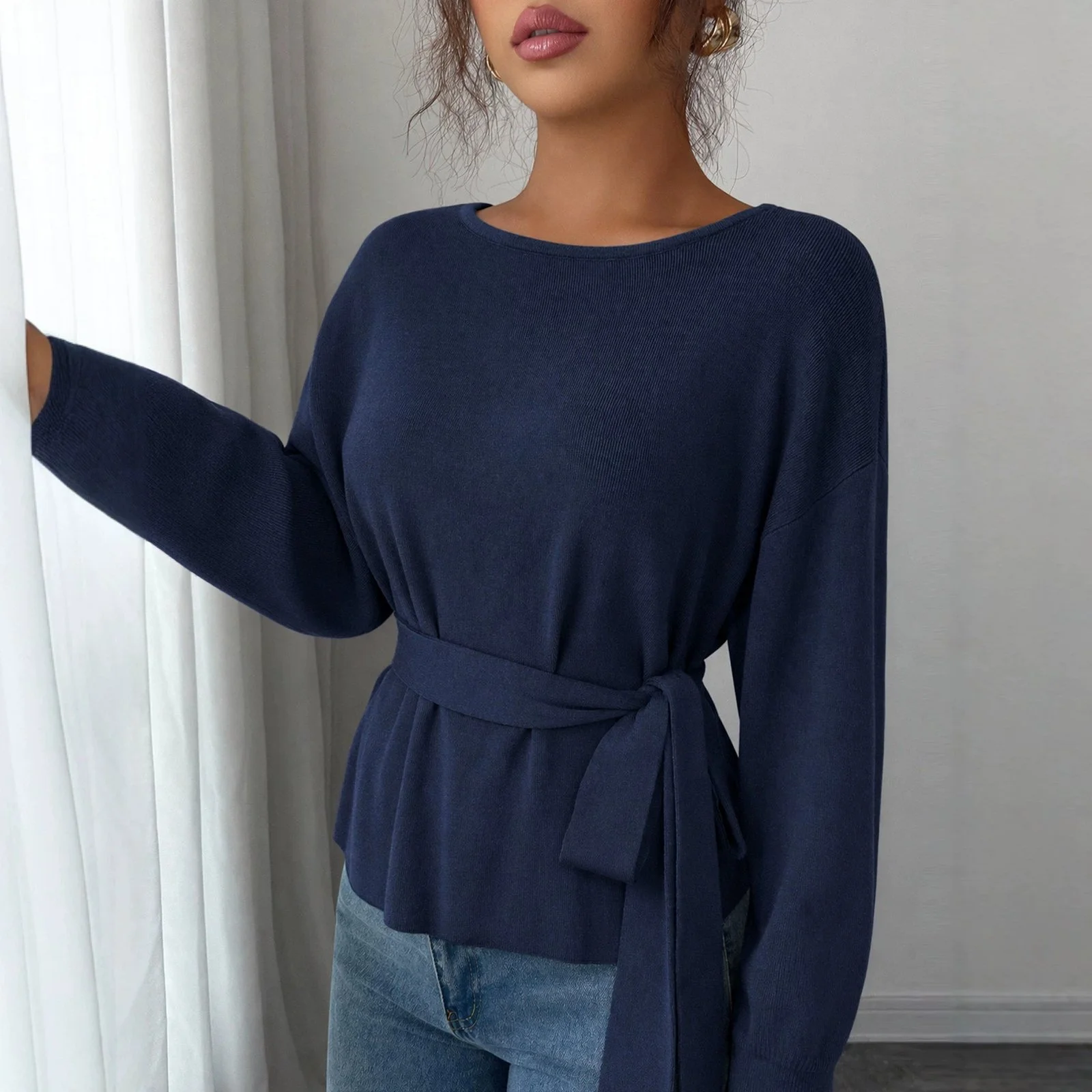
The Cozy Royal Blue Long‑Sleeve Sweater Offers a rich sapphire hue that reads well on most webcams. Half Turtleneck Slim Fit Knitwear Comes in apricot, a warm orange‑tan that adds holiday cheer without glare.
- Best for Anyone who wants a festive pop that stays camera‑friendly.
- Pros: solid color, medium tone, slim silhouette.
- Con: polyester can look slightly shiny under strong lighting; adjust lighting if needed.
Material, weight, and fit that work on screen
For a virtual party you need a sweater that keeps you warm but doesn’t add bulk that looks “puffy” on camera. A lightweight polyester knit (around 180‑200 g/m²) provides warmth with a smooth surface.
Fit matters more than size label
Asian sizing runs 1‑2 sizes smaller than U.S. Standards. If you fall between sizes, choose the larger. A slim‑fit style hugs your torso, defining the waist and preventing the “boxy” look that can make you appear wider on screen.
Products that match the criteria
The Cozy Royal Blue Long‑Sleeve Sweater Is a relaxed‑fit polyester piece that drapes without bulk. The Half Turtleneck Slim Fit Knitwear Is explicitly slim, making it ideal for a sleek silhouette.
- Best for Women who work from home and need a professional yet comfortable look.
- Pros: lightweight polyester, slim cut.
- Con: check sizing carefully; Asian sizes run small.
Product comparison
| Product | Price | Material | Fit | Color options | Best for |
|---|---|---|---|---|---|
| Half Turtleneck Slim Fit | $10.52 | Polyester | Slim | White, Apricot | Budget‑friendly, camera‑friendly solid colors |
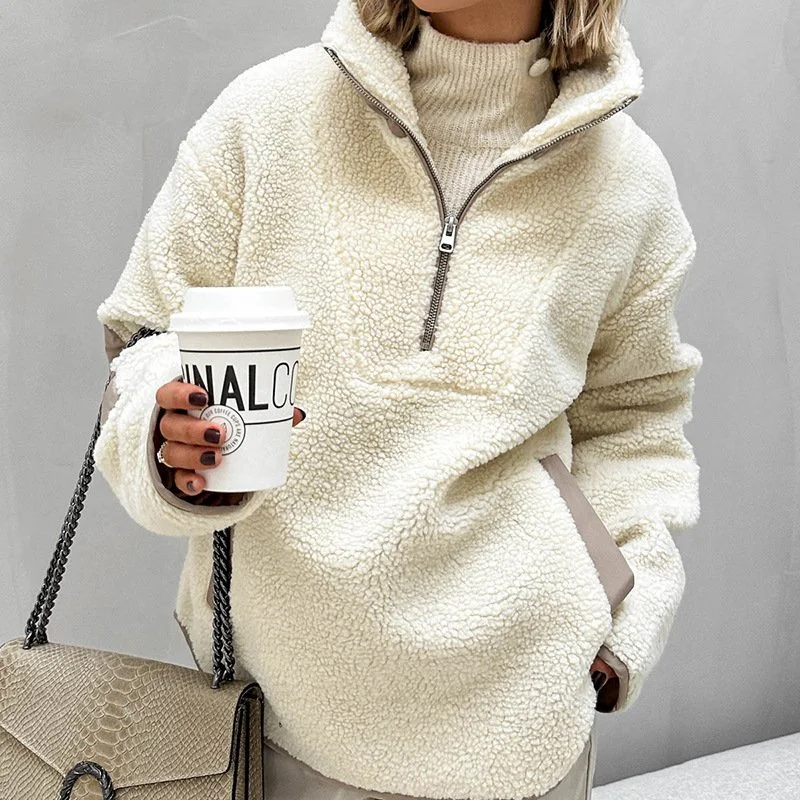
| Cozy Loose Fit Pullover | $39.80 | Polyester | Loose | Milky White | Casual home office, pocket utility |
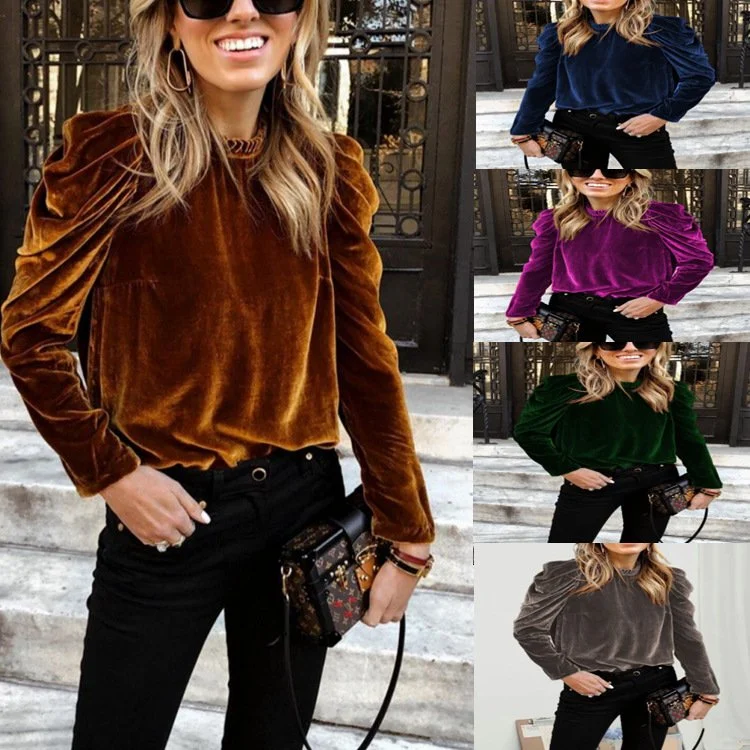
| Bubble Long Sleeve | $24.36 | Polyester | Loose | Brown, Grey | Layering under blazer, textured look |
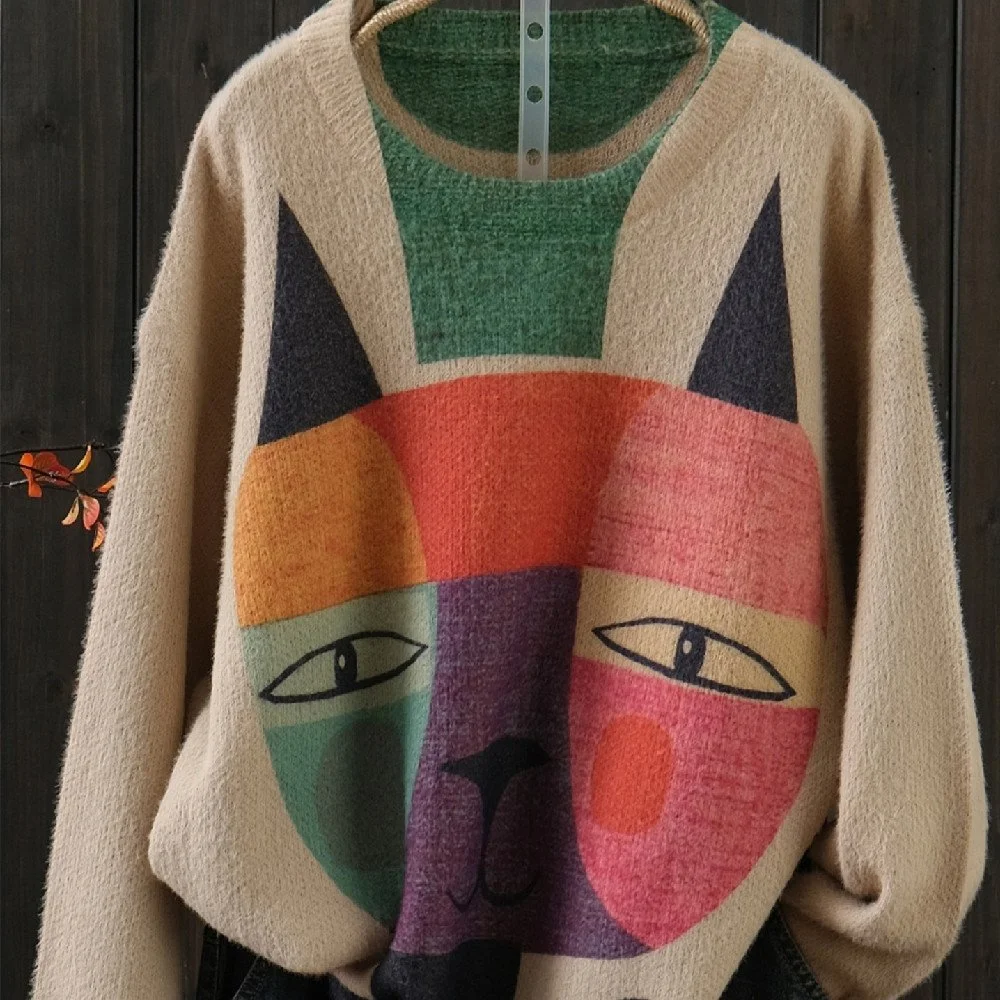
| Plus Size Soft Mink Fur Knit | $41.52 | Wool blend | Loose | Free‑size, XL‑XXXL | Plus‑size comfort, chic holiday vibe |
| Cotton Pullover | $23.88 | Cotton | Loose | Orange, Dark green | Eco‑friendly, casual errands |
| Royal Blue Long‑Sleeve | $23.20 | Polyester (100%) | Relaxed | Sapphire Blue | Festive yet professional Zoom look |
Layering and blazer tricks
Adding a blazer can instantly raise a casual sweater to a business‑casual look. Choose a blazer with a simple lapel and a neutral tone (gray or navy) so the sweater remains the focal point.
How to keep the sweater from looking bulky under a blazer
Pick a slim or relaxed‑fit sweater that ends at the hip. A half‑turtleneck adds visual interest without adding extra layers around the neck, which can look thick on camera.
Pair the Half Turtleneck Slim Fit With a fitted navy blazer for a polished holiday meeting. The sweater’s thin polyester fabric slides easily under most blazers.
- Best for Professionals who need a holiday‑appropriate Zoom outfit.
- Pros: sleek silhouette, easy to layer.
- Con: watch for shoulder seams that may show under a tight blazer.
Accessories that complement a virtual sweater look
Because the camera frames only the upper half, accessories should be visible but not distracting. A simple pendant necklace, small hoop earrings, or a thin metal bracelet work well.
Choosing accessories by sweater color
For a sapphire blue sweater, try silver or white gold jewelry. Apricot pairs nicely with rose gold or warm wood tones. Dark green looks sharp with gold or brass.
The Cotton Pullover In dark green can be dressed up with a gold chain and a pair of stud earrings for a festive touch.
- Best for Adding holiday sparkle without overwhelming the frame.
- Pros: easy to see on camera, inexpensive.
- Con: avoid large statement pieces that move out of frame.
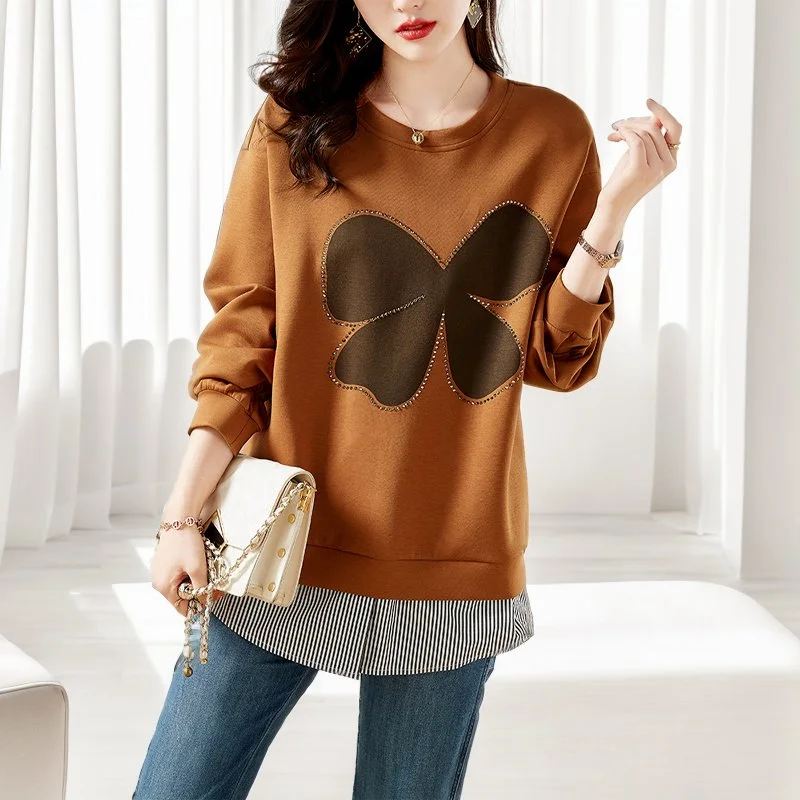
Common mistakes to avoid
- Choosing overly bright whites or deep blacks. They cause exposure issues.
- Wearing a sweater that’s too loose. It creates a boxy silhouette and can look bulky under a blazer.
- Neglecting lighting. Position a lamp at 45° to your face to reduce shine on polyester.
- Ignoring the background. A solid, neutral backdrop keeps focus on your sweater.
Care, styling and quick fixes
Polyester sweaters are machine‑washable on a gentle cycle; tumble dry low or lay flat to avoid stretching. If the fabric looks shiny under bright lights, mist the sweater lightly with water and let it dry before the call.
For a last‑minute fix, use a lint roller to remove pet hair or static, and check the fit in the webcam preview before you join the call.
Frequently asked questions
❓ What sweater colors look best on camera for a holiday video call?
Mid‑tone solid colors like royal blue, apricot, forest green or burgundy work best because they provide contrast without blowing out highlights. Avoid pure white and jet black, which can cause exposure problems.
❓ How can I avoid glare and shine when wearing a sweater on Zoom?
Use soft, diffused lighting (a lamp with a shade or a ring light) positioned at a 45° angle, and choose a matte‑finish polyester or cotton sweater. If your sweater still looks shiny, lightly mist it with water and let it dry before the call.
❓ Which women's sweaters are warm enough for winter but not bulky on screen?
Lightweight polyester knits like the Cozy Royal Blue Long‑Sleeve Sweater Or the Half Turtleneck Slim Fit Knitwear Provide warmth without adding visible bulk on camera.
❓ What accessories pair well with a sweater for a virtual holiday party?
Simple jewelry—small hoop earrings, a pendant necklace, or a thin bracelet—adds sparkle without overwhelming the frame. Choose metal tones that complement your sweater’s color (silver with blue, gold with green).
❓ How do I choose the right sweater fit for a flattering video appearance?
Select a slim or relaxed fit that follows the natural line of your torso; avoid overly loose styles that create a boxy look. If you’re between Asian sizes, size up by one.
❓ Can I layer a sweater with a blazer for a professional holiday Zoom look?
Yes—pair a thin, half‑turtleneck sweater (like the Half Turtleneck Slim Fit) with a fitted blazer. The slim silhouette slides under the blazer without adding bulk.
❓ Is a plus‑size sweater suitable for a virtual holiday party?
The Plus Size Soft Mink Fur Knit Sweater Offers a cozy wool blend and a flattering loose fit, ideal for a relaxed holiday vibe, though its bulkier texture may appear larger on camera.
❓ Should I worry about the sweater’s color shifting on different screens?
Colors can appear slightly different between monitors; test your outfit on the device you’ll use for the call and adjust lighting if the hue looks off.
Key takeaways
- Pick mid‑tone solid colors (royal blue, apricot, dark green) for camera‑friendly contrast.
- Choose lightweight polyester or cotton knits that stay warm without looking bulky.
- Fit matters: size up if you’re between Asian sizes; slim or relaxed fits flatter on video.
- Layer with a fitted blazer for a professional edge; a half‑turtleneck works best under jackets.
- Add simple jewelry that complements the sweater’s hue and stays visible in the frame.
- Use diffused lighting and check your webcam preview before the call.
How we chose these products: We selected items that match the recommended colors, materials, price points and fit guidelines for a polished virtual holiday party look.