
You're juggling deadlines, video calls, and a growing list of AI tools. This guide shows you how to pick the right gadgets, keep your toes toasty, and style a space that feels like a coffee‑shop retreat while staying ready for any AI assistant.
Choosing AI‑friendly gadgets
AI assistants thrive on clear audio and stable placement. Look for a speaker or display that sits on a stable surface, has a 360° microphone, and can be paired with a magnetic camera clip for quick video‑call positioning.
What to check
- Microphone pickup pattern – omnidirectional is best for a busy desk.
- Power source – USB‑C or a built‑in battery keeps cords tidy.
- Mounting options – a magnetic clip lets you attach a small action camera to a bag or laptop sleeve for hands‑free video.
For a budget‑friendly mounting solution, consider Attach Your Camera to Any Bag with Ease.
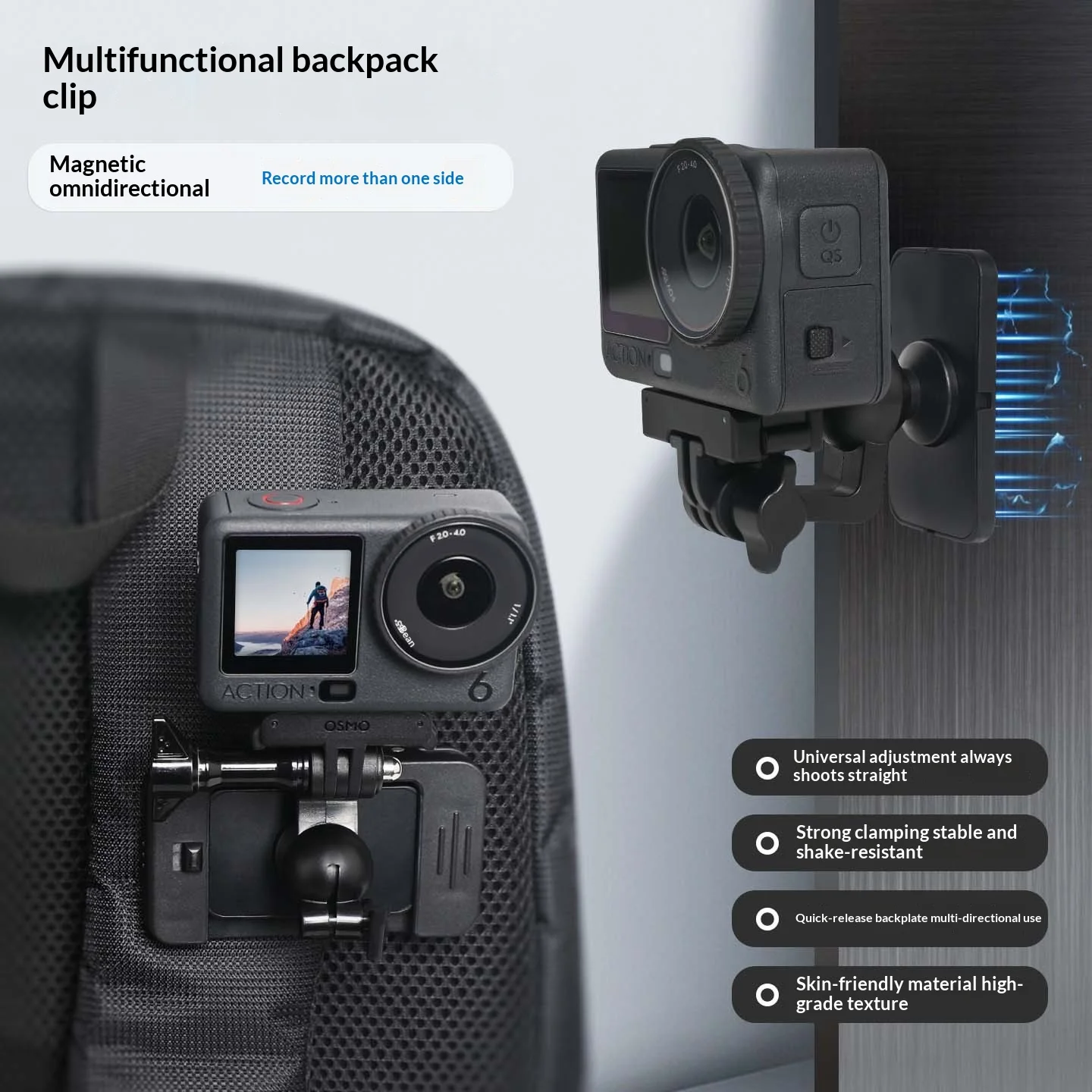
- Pros: magnetic attachment works with most action cams, easy to reposition.
- Pros: no drilling or permanent mounts needed.
- Con: limited to cameras with a metal surface or compatible case.
Staying warm in a fall office
Cold fingers slow typing speed. Layered textiles—rugs, throws, and even a small kitchen board for snack prep—add warmth without bulk.
Floor warmth
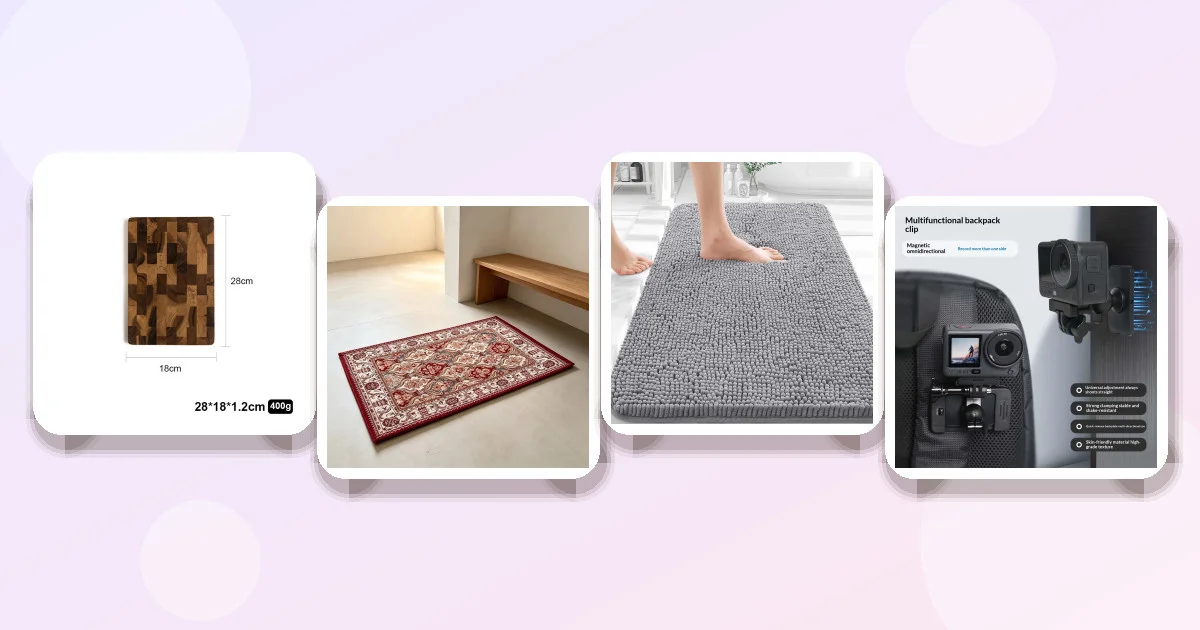
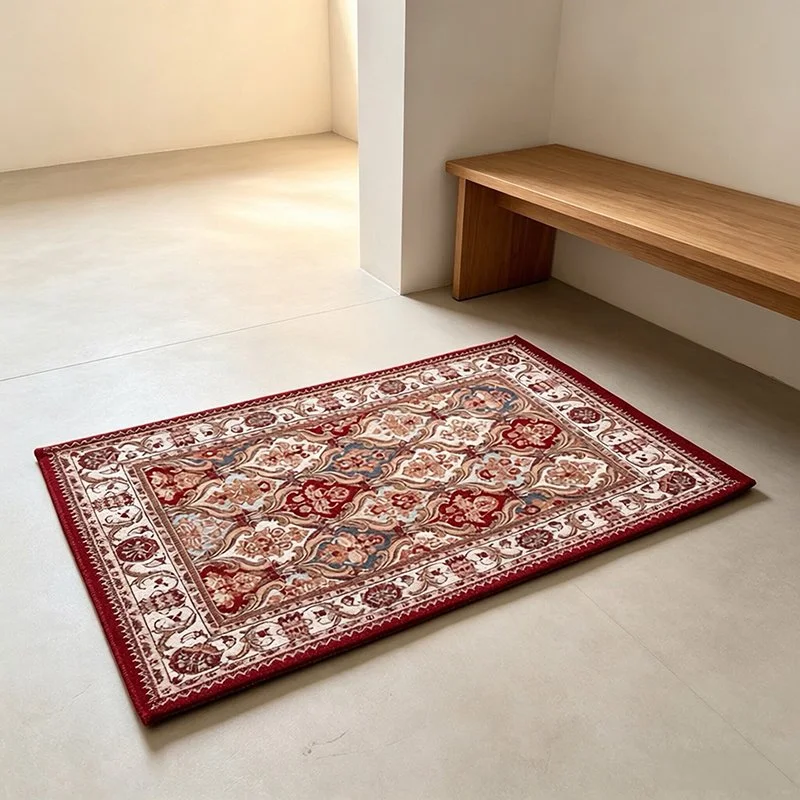
A low‑pile chenille rug adds a soft surface that traps heat. The Persian Style Vintage Chenille Rug Is small enough for a home office corner but thick enough to feel plush.
- Pros: chenille texture feels warm underfoot.
- Pros: compact 50 × 80 cm size fits tight spaces.
- Con: Asian sizing runs 1–2 sizes smaller; choose the larger if you’re between sizes.
Hand‑warmth accessories
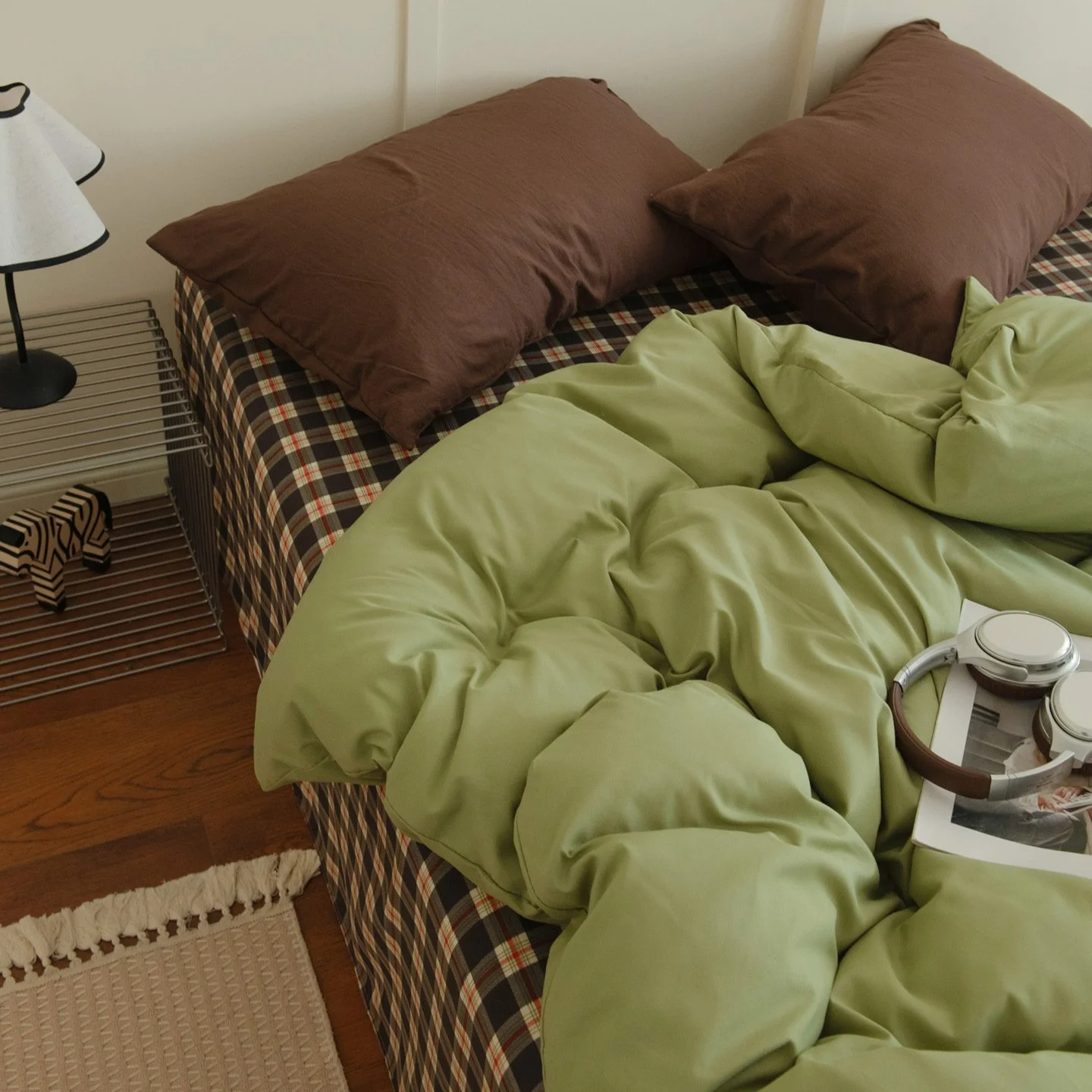
Keep a washed‑cotton throw nearby. The Mix‑and‑Match Skin‑friendly Washed Cotton Four‑piece Set Offers a breathable, lightweight layer you can drape over your lap.
- Pros: skin‑friendly cotton, easy to wash.
- Pros: multiple patterns let you match your décor.
- Con: not as thick as a fleece, so may need an extra layer in very cold rooms.
Rug selection for standing desks
A standing desk puts pressure on your feet. Choose a rug that offers cushioning and a non‑slip backing.
Why chenille works
Chenille’s looped fibers compress under weight, providing a gentle give that reduces fatigue. The same Persian Style Vintage Chenille Rug Mentioned earlier meets this need while adding a visual accent.
Alternative for bathroom‑adjacent offices
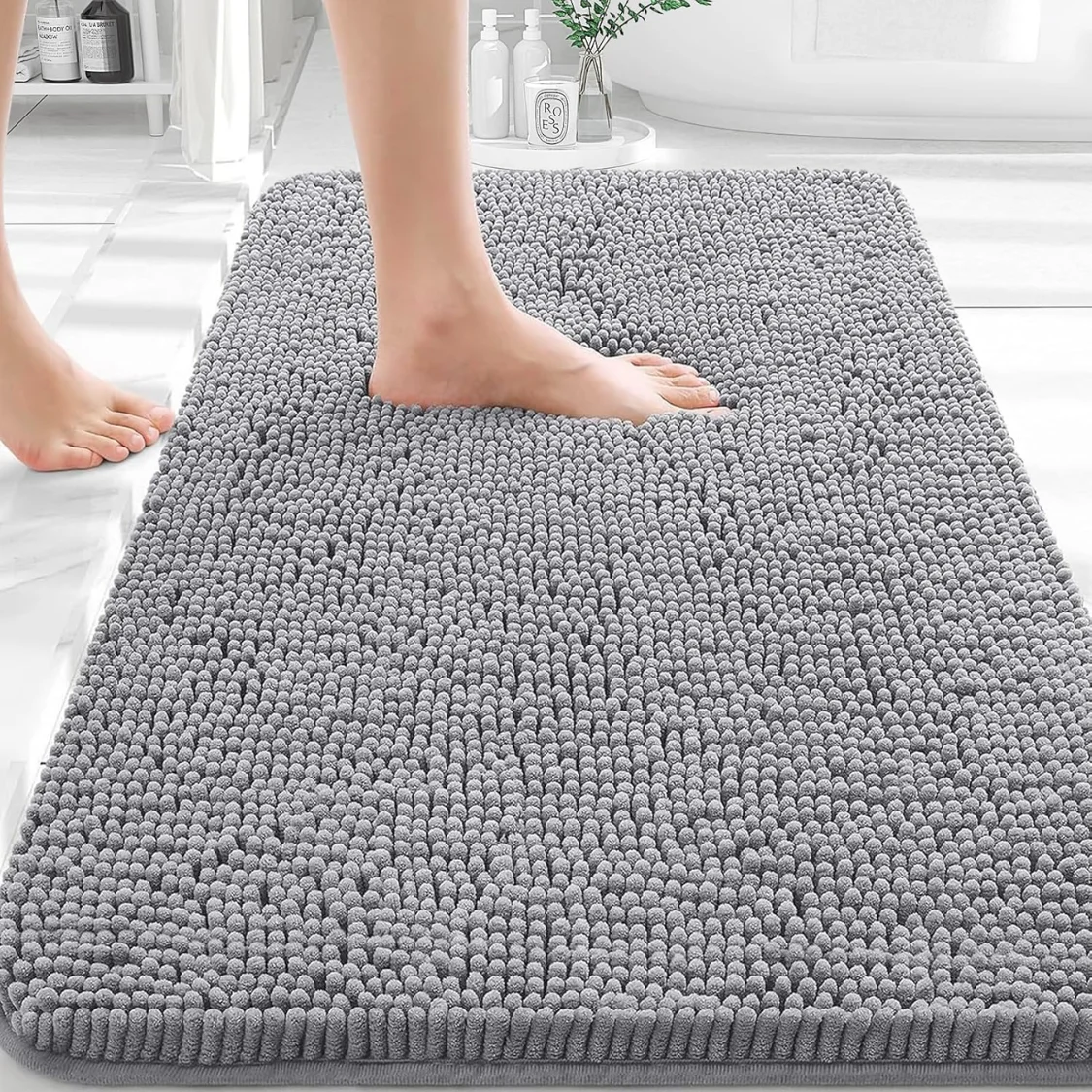
If your office shares a tiled entryway, the Extra Soft Chenille Bath Rug Offers rubber backing for slip resistance.
- Pros: rubber backing prevents sliding.
- Pros: quick‑dry and machine‑washable.
- Con: designed for bathroom use; may feel too plush for a high‑traffic desk.
Wireless charging and productivity
Wireless chargers clear desk clutter and keep your phone at eye level for quick reference during AI‑driven research.
Placement tips
- Put the pad on the right side of your monitor to avoid arm strain.
- Choose a charger with a matte surface to reduce glare on video calls.
While we don’t have a specific charger in the product list, the Compact Wooden Chopping Board Can double as a sturdy, heat‑resistant surface for a wireless pad.
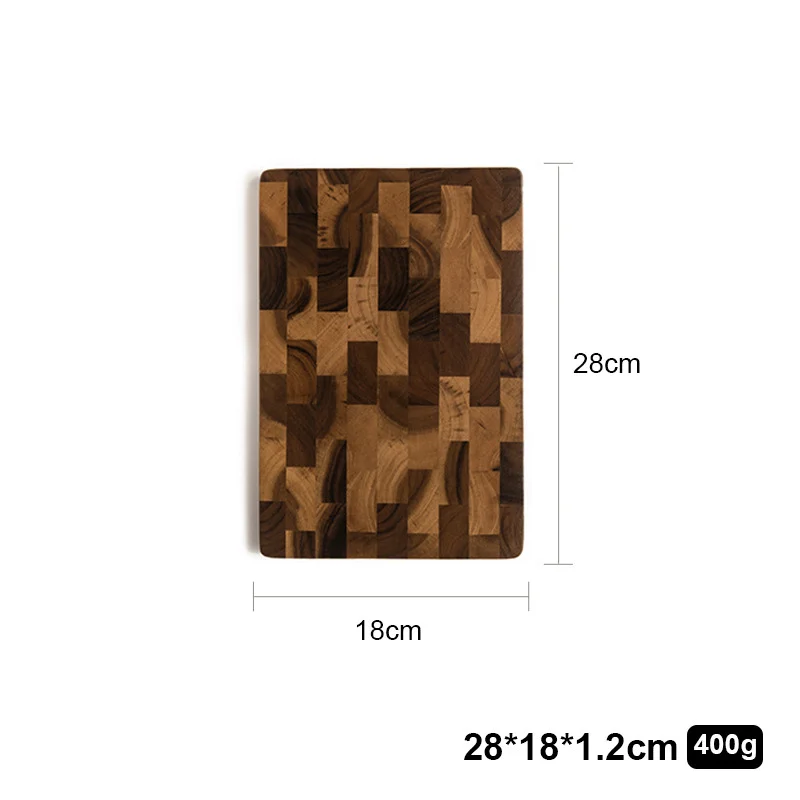
- Pros: durable wood tolerates heat from coffee mugs.
- Pros: easy to clean, so crumbs won’t affect the charger.
- Con: not a charger itself; you’ll need to purchase a pad separately.
Lighting for video calls and AI assistants
AI assistants with visual components (like smart displays) need even, diffused light. Ring lights are common, but a simple desk lamp with adjustable brightness works just as well.
Key specs
- Color temperature: 4000–5000 K mimics daylight.
- CRI (color rendering index) above 90 for true‑to‑life skin tones.
- Adjustable arm to avoid shadows.
Mount a small action camera using the magnetic clip from earlier, then angle the lamp to illuminate both you and the background.
Styling a cozy, tech‑ready workspace
Balance function with warmth. Start with a neutral desk, layer the chenille rug, add the cotton throw, and keep the wooden chopping board handy for snack prep. A few plants and a framed print finish the look without interfering with voice pickup.
Color coordination
Choose a rug color that contrasts with your wall but complements the throw. The wine‑red rug pairs nicely with a grey or beige wall, while the cotton set’s sea‑salt pattern adds a subtle pop.
Product comparison
| Product | Price | Material / Type | Options | Best for |
|---|---|---|---|---|
| Compact Wooden Chopping Board | $17.96 | Wood | None | Heat‑safe surface for wireless charger |
| Persian Style Vintage Chenille Rug | $12.88 | Chenille | Wine red, 50×80 cm | Warm foot base for standing desk |
| Extra Soft Chenille Bath Rug | $162.20 | Chenille, rubber backing | Grey | Slip‑resistant on tile/hardwood |
| Magnetic Camera Clip | $9.40 | Metal clip | None | Quick‑attach camera for video calls |
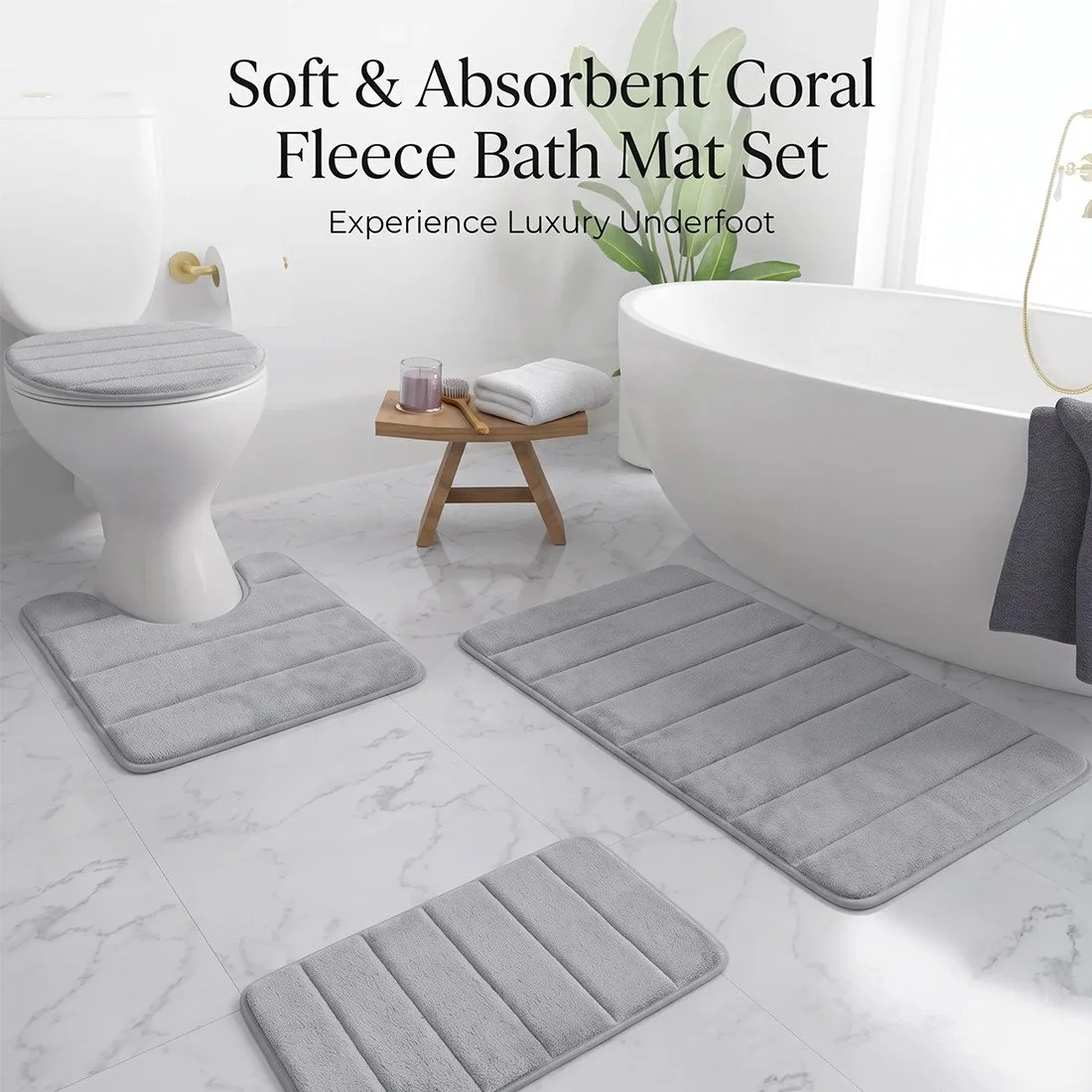
| Memory Foam Bath Mat Set | $59.60 | Cotton, 1.5 cm foam | Khaki, Light gray | Extra cushioning under a desk chair |
| Mix‑and‑Match Washed Cotton Set | $38.20 | Washed cotton | Multiple patterns & sizes | Soft throw for lap warmth |
Common mistakes to avoid
- Choosing a rug that’s too large for your floor area; it can trip cords and make the space feel cramped.
- Placing a wireless charger on a reflective surface; glare can interfere with AI‑assistant cameras.
- Using a thin blanket that slips off during video calls; a heavier throw stays in place.
- Neglecting cable management; messy cords can distract AI voice recognition.
Care, styling, and usage tips
Rug maintenance
Chenille rugs can be spot‑cleaned with a mild detergent. The bath rug’s rubber backing means you can machine‑wash it on a gentle cycle.
Wood board upkeep
Wipe the chopping board with a damp cloth after each use. Avoid soaking it; wood can warp over time.
Throw care
Washed cotton throws are machine‑washable on cold. Tumble low to keep the geometric pattern crisp.
Frequently asked questions
❓ What gadgets make a home office more AI‑friendly?
A voice‑assistant speaker, a magnetic camera clip for easy video positioning, and a wireless charger placed on a stable, non‑reflective surface are the core gadgets. They keep your AI tools within reach and your desk tidy.
❓ How can I keep warm while working from home in the fall?
Layer a chenille rug under your feet, keep a washed‑cotton throw at hand, and use a wooden board as a heat‑resistant spot for a mug or charger. These items add passive warmth without using electricity.
❓ Which rug is best for a home office with a standing desk?
The Persian Style Vintage Chenille Rug Offers soft cushioning and a compact size that stays under a standing desk without slipping.
❓ Do wireless chargers improve productivity in a home office?
Yes; they reduce cable clutter and keep your phone at eye level for quick reference, which speeds up task switching during AI‑driven research.
❓ What lighting works best for video calls and AI assistants?
A desk lamp with adjustable brightness and a color temperature of 4000–5000 K provides even, daylight‑like illumination, reducing shadows for both you and any AI display.
❓ How to style a home office that feels cozy but stays tech‑ready?
Start with a neutral desk, add a warm chenille rug, drape a soft cotton throw, and place a wooden chopping board for snack prep and charger stability. Keep cables hidden and use a magnetic camera clip for a clean video‑call setup.
❓ Can I use a bathroom rug in my office?
Yes; the extra‑soft chenille bath rug’s rubber backing provides slip resistance on hard floors, making it a good choice for a tiled office space.
Key takeaways
- Pair a voice‑assistant speaker with a magnetic camera clip for seamless AI interaction.
- Choose a chenille rug sized to fit under your standing desk for foot warmth and slip resistance.
- Use a washed‑cotton throw for lap warmth without sacrificing video‑call professionalism.
- Place a wireless charger on a heat‑safe wooden board to keep cords tidy and devices cool.
- Select a daylight‑balanced desk lamp to illuminate both you and AI displays during calls.
- Maintain rugs and textiles with gentle cleaning to preserve softness and appearance.
How we chose these products: We matched each item’s material, size, and price to the specific needs of a fall‑ready, AI‑friendly home office; specifications and options guided the selections.
===HTML===