
Working from home in a rural or suburban area often means dealing with internet infrastructure that doesn't quite fit the traditional "office" aesthetic. Starlink solves the connectivity gap, but the hardware—specifically the dish and the router—can feel out of place in a cozy living space. You need a setup that keeps the signal strong, the cables organized, and the environment warm enough to endure long video calls and deep work sessions. This guide walks you through five specific setup ideas, focusing on how to integrate the hardware easily, manage the wiring, and choose furniture that supports both your body and your connectivity.
Strategic Hardware Placement
The most common mistake in a Starlink home office is treating the hardware like an appliance to be hidden in a closet. Starlink requires a clear line of sight to the sky for the dish, and the router needs to be placed centrally for optimal Wi-Fi coverage. However, the router and power supply generate heat and can be visually distracting. Your goal is to place the dish where it works best, then create a dedicated "tech zone" indoors that is functional but aesthetically pleasing.
Outdoor Dish Positioning
Before you buy any furniture, identify the best spot for the Starlink dish. It needs a stable mounting pole and a clear view of the sky, free from trees, buildings, or other obstructions. In many rural setups, this means the dish ends up on the side of the house or on a dedicated pole in the yard. Once the dish is placed, trace the path of the cable back to your house. This path dictates where your indoor router can realistically sit without stretching the cable to its limit or creating a tripping hazard.
Indoor Router Station
Inside, avoid placing the router on the floor where it gets blocked by rugs or furniture. Instead, create a small, dedicated area on a shelf or the back of your desk. The router needs ventilation, so ensure it isn't boxed in. If your Starlink kit includes a separate power adapter, keep it nearby but out of the way. A small, sturdy shelf mounted on the wall or a dedicated drawer for the power brick can keep this area tidy. The key is accessibility; you may need to restart the router or check the app status, so keep it within arm's reach.
Mastering Cable Management
Starlink uses a long, thick cable to connect the dish to the router. This cable is often the source of visual clutter in a home office. If you look at the floor and see a black snake winding through your room, it distracts from your work. The solution is not to hide the cable completely (which can be difficult) but to contain it so it looks intentional.
Using Cable Raceways and Channels
For the section of cable running along the baseboard of your wall, use a cable raceway or channel. These are plastic or metal strips that attach to the wall and have a clip or slot for the cable. You can paint them to match your wall color. This keeps the cable flush against the wall and prevents it from dragging on the floor. For the section running across the floor, use a flat, low-profile cable cover. These rubber or plastic strips lie flat and can be walked over, reducing the tripping risk.
Desk-Side Organization
At your desk, the cable will likely run from the router to your computer or directly to the router if you are using Wi-Fi. Use cable clips or a small cable tray under the desk to keep the wiring organized. If you are using an Ethernet connection for lower latency, use a structured cabling bracket. This holds the cable in a loop, preventing it from pulling on the ports. Keep the power cable for your monitor and laptop separate from the data cable to reduce tangles. A simple adhesive hook on the back of the desk can hold excess slack.
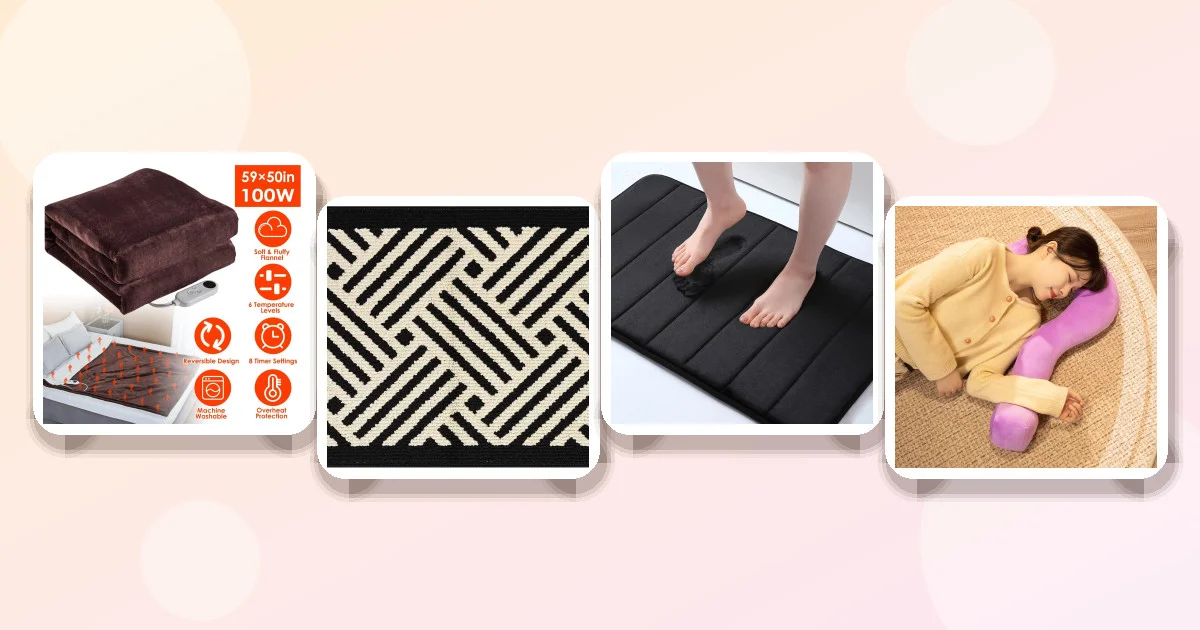
Product Recommendation: Simple Non-slip Water-absorbent Floor Mat
While not a cable management tool per se, having a non-slip mat under your desk or near the entry point of the cable can help keep the area tidy. The Simple Non-slip Water-absorbent Floor Mat Is a lightweight option that can be used to keep the area around your feet comfortable.
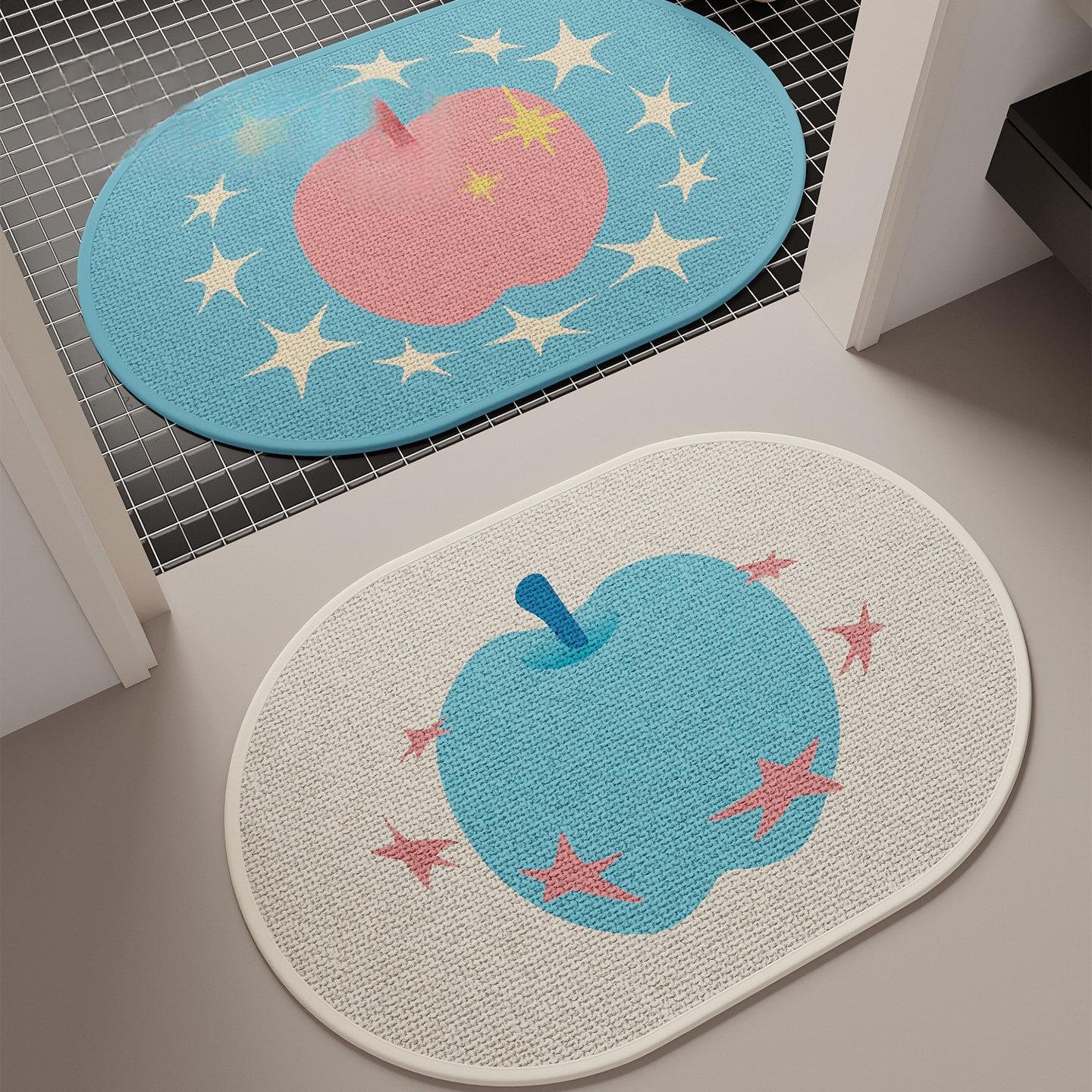
- Material: Faux linen, which is soft and quick-drying.
- Non-slip backing helps keep the mat in place under a rolling chair.
- Limitation: It is a thin mat, so it may not provide deep cushioning for long standing sessions.
Choosing the Right Furniture
Furniture for a Starlink home office needs to serve two masters: your body and your hardware. You need a desk that is large enough for your monitor, keyboard, and the Starlink router. You need a chair that supports your spine during eight-hour shifts. And you need storage that keeps the visual noise of technology to a minimum.
The Desk: Size and Structure
A standard home office desk is 48 to 60 inches wide. For a Starlink setup, aim for at least 54 inches. This gives you room for a dual monitor setup (if you use one) and leaves space on the side for the router and power supply. Look for desks with an open back or a low back so the router can sit against the wall without blocking airflow. Avoid desks with deep drawers that block the view of the router status lights. A sit-stand desk is an excellent option if you alternate between sitting and standing, as it allows you to adjust your height without moving the hardware.
The Chair: Ergonomics First
Your chair is the most important piece of furniture in the room. It should have adjustable lumbar support, armrests, and a seat depth that allows your feet to rest flat on the floor. If you have a budget, invest in a quality ergonomic chair. If not, look for a chair with a breathable mesh back and adjustable height. The chair should be positioned so that you are not sitting directly in front of the Starlink dish's signal path (though this is less of a concern indoors), but more importantly, so that you are not blocked from the window or natural light.
Product Recommendation: Black Wave Indoor Door Mat
While not furniture, the foundation of a tidy office is a clean entry. The Black Wave Indoor Door Mat Helps keep dirt and debris from being tracked into your workspace.
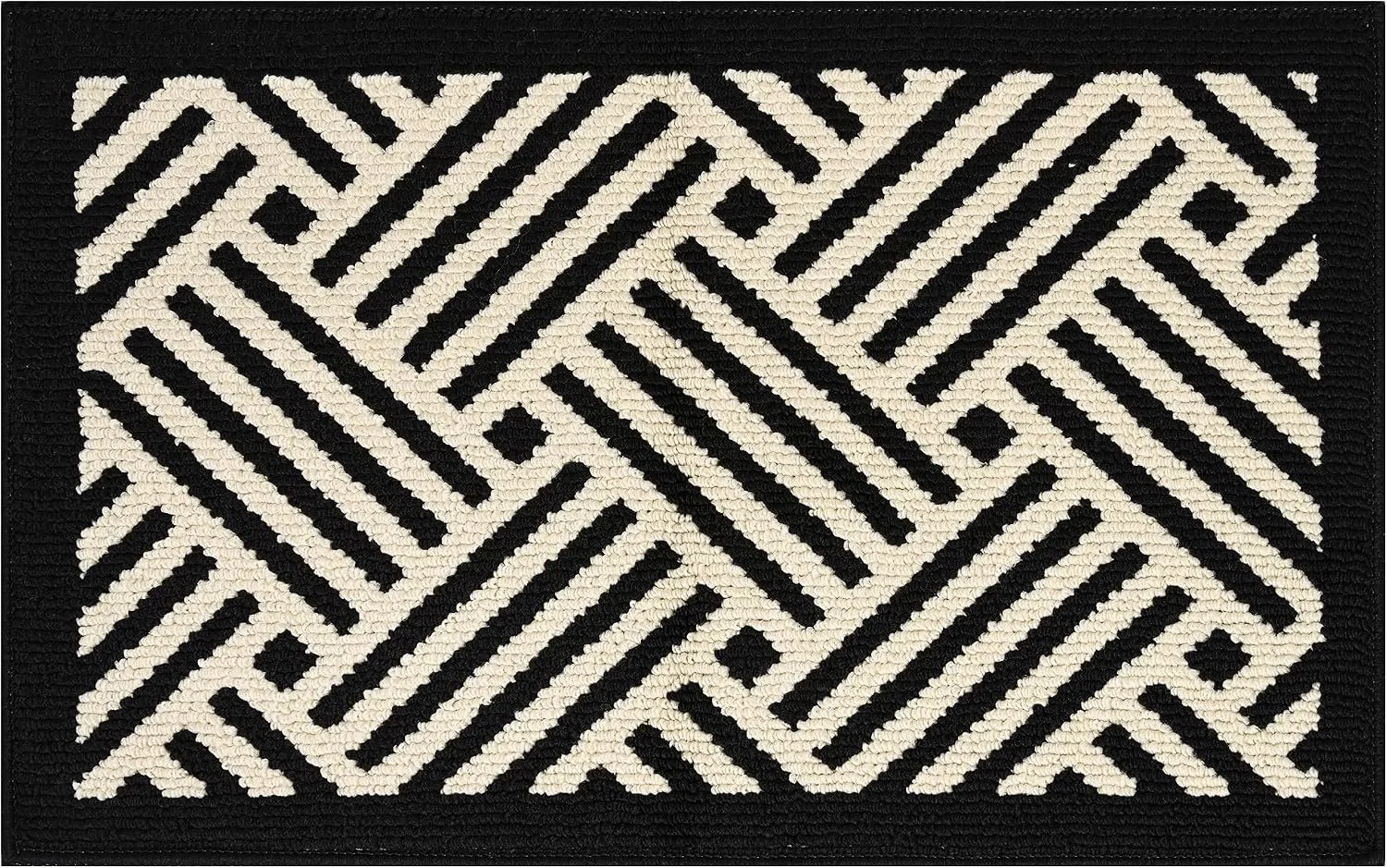
- Size: 20x32 inches, large enough to cover the entry zone.
- Design: Black wave pattern hides dust and dirt well.
- Limitation: It is a standard door mat, so it may not match a highly minimalist or modern aesthetic if the color scheme is very light.
Adding Cozy Comfort Layers
Remote work can feel isolating and cold, especially in rural areas where heating bills might lead to lower indoor temperatures. A "cozy" office is not just about aesthetics; it is about thermal comfort and tactile warmth. When you are comfortable, you are more likely to stay focused and productive. Adding layers of softness and warmth can transform a sterile tech space into a welcoming environment.
Thermal Comfort with Heated Layers
Cold feet are a major distraction during long work sessions. A heated blanket or throw can provide targeted warmth without needing to crank up the central heating. This is particularly useful in rooms with poor insulation or during winter months. Look for a blanket with multiple heat settings so you can adjust the temperature to your comfort level. Auto-off timers are a safety feature that ensures you don't forget to turn it off if you step away from your desk.
Product Recommendation: Electric Heated Flannel Throw Heated Blanket
The Electric Heated Flannel Throw Heated Blanket Is a practical addition to a home office, especially for those who work in cooler environments.
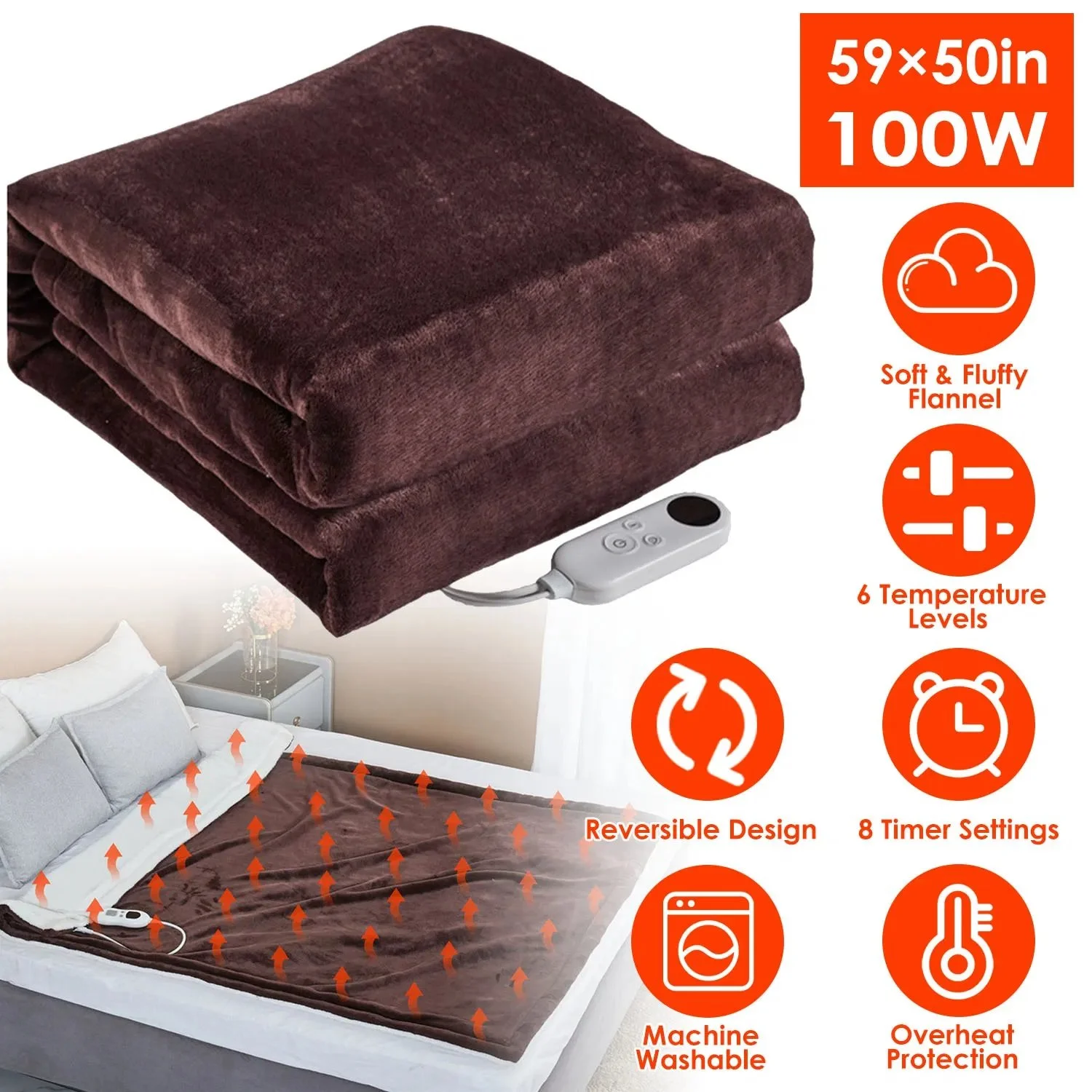
- Material: Flannel provides a soft, warm feel against the skin.
- Features: 6 heat settings and a 1-8 hour auto-off timer for safety.
- Limitation: It is a 59x50 inch throw, so it is best used on your lap or over a chair, not as a full-body bed cover.
Tactile Softness and Rest
Even in a work-from-home setting, you need a place to rest your eyes and mind. A small, comfortable pillow can serve as a lumbar support for your chair or a headrest for a quick nap. It adds a layer of softness that contrasts with the hard surfaces of desks and chairs. This tactile variety can help reduce physical tension.
Product Recommendation: Home Living Room Sofa New Question Mark Office Siesta Pillow
The Home Living Room Sofa New Question Mark Office Siesta Pillow Is a unique addition that can serve multiple purposes.

- Size: 55 x 37 cm, a manageable size for a desk or small chair.
- Filler: PP Cotton, which is lightweight and easy to clean.
- Limitation: The "Question Mark" shape is distinctive and may not fit a strictly professional or minimalist aesthetic.
Lighting for Productivity
Lighting is one of the most overlooked aspects of a home office. Poor lighting causes eye strain and fatigue, while good lighting can boost your mood and productivity. In a Starlink home office, you also need to consider the lighting around the hardware. The Starlink app uses the camera on your phone to check the dish's alignment, so you want to avoid bright glare from lamps reflecting off the dish or the router's status lights.
Layered Lighting Strategy
Use three types of lighting: ambient, task, and accent. Ambient lighting provides overall illumination for the room. Task lighting focuses on your work area, reducing shadows on your desk. Accent lighting highlights specific features, such as a piece of art or a plant. For a home office, task lighting is the most important. Use a desk lamp with adjustable brightness and color temperature. Warm white (2700K) is cozy, while cool white (4000K-5000K) is more alerting. Adjust the color temperature based on the time of day and the type of work you are doing.
Natural Light and Glare Control
If your office has a window, face it to the side, not directly in front of or behind your monitor. Direct sunlight on your screen causes glare, making it hard to read. Use blinds or sheer curtains to diffuse the light. If the window is behind you, the light will illuminate your face during video calls, which is ideal. If the window is in front of you, you will be silhouetted, which is not ideal for meetings. Rearrange your desk if possible to optimize the light source.
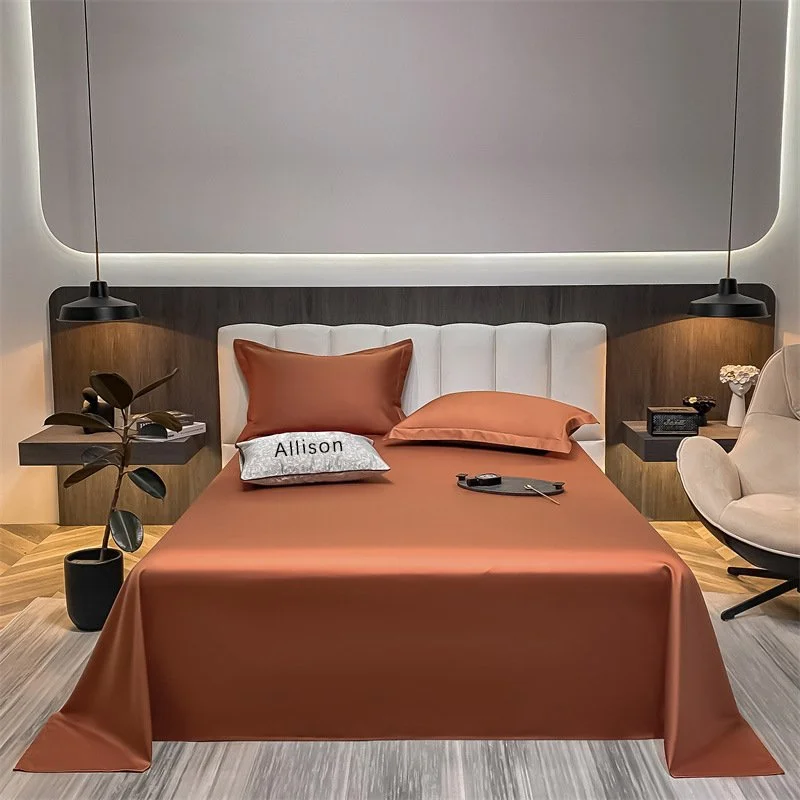
Product Recommendation: Long-staple Cotton Pure Cotton Solid Color Bed Sheet
While not a lighting product, the Long-staple Cotton Pure Cotton Solid Color Bed Sheet Can be used to create a soft, neutral backdrop for your workspace if you are using a wall-mounted monitor or a standing desk. Its solid color and soft texture can help reduce visual noise.
- Material: Long-staple cotton, which is durable and soft.
- Size: 245x265 cm, large enough to cover a significant area.
- Limitation: It is a bed sheet, so it may require ironing to remove wrinkles for a professional look.
Product Comparison
The following table compares the recommended products based on their key attributes, helping you decide which items best fit your specific needs.
| Product | Price | Type/Material | Key Features | Best For |
|---|---|---|---|---|
| Electric Heated Flannel Throw | $228.20 | Flannel, Electric | 6 Heat Settings, Auto-Off, Washable | Thermal comfort in cool offices |
| Black Wave Indoor Door Mat | $179.16 | Fabric, Wave Pattern | 20x32 Inch, Dirt Trapping | Keeping entryways clean |
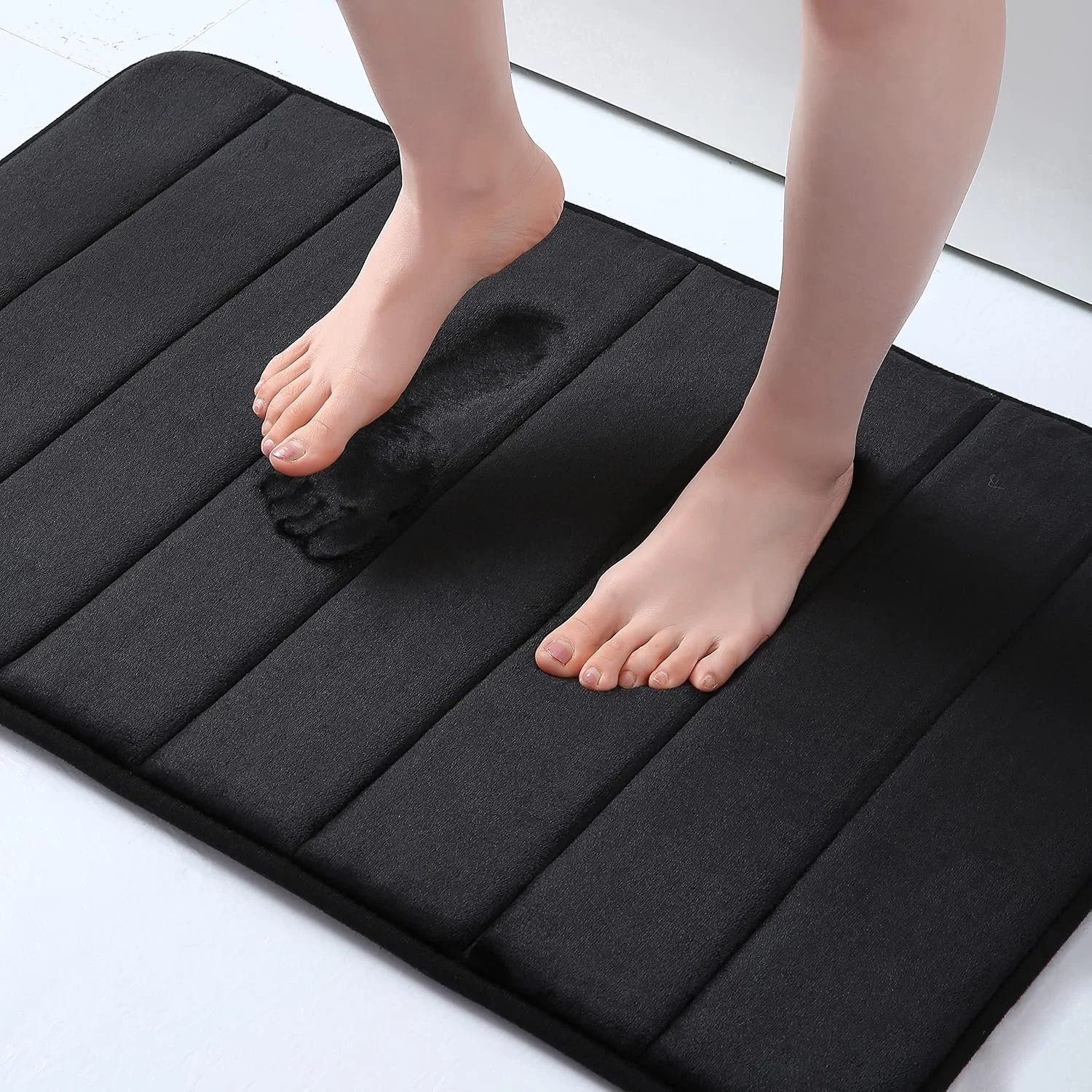
| Soft Memory Foam Bath Mat | $175.96 | Memory Foam, Black | 16x24 Inch, Absorbent | Soft footing near desk or entry |
| Question Mark Office Pillow | $8.72 | PP Cotton, Solid Color | 55x37 cm, Multiple Colors | Adding color and rest support |
| Simple Non-slip Floor Mat | $7.16 | Faux Linen, Non-slip | Quick Dry, Various Patterns | Lightweight, non-slip surface |
| Long-staple Cotton Bed Sheet | $81.28 | Long-staple Cotton | 245x265 cm, Twill Weave | Neutral backdrop or desk cover |
Common Mistakes to Avoid
Even with the best hardware, a poorly planned setup can lead to frustration. Here are the most common mistakes remote workers make when setting up a Starlink home office.
Ignoring Cable Length and Path
Many people place their desk first, then try to fit the Starlink cable into the space. This often results in a cable that is too short or a path that is awkward and unsightly. Always plan the cable path before buying or moving furniture. Measure the distance from the dish entry point to your desired desk location. Ensure the cable can reach without being stretched or coiled tightly.
Blocking Router Ventilation
The Starlink router needs to breathe. Placing it in a closed cabinet, under a pile of papers, or behind a large monitor can cause it to overheat. Overheating can lead to connection drops and reduced performance. Always leave at least two inches of space around the router for airflow. If you must place it in a confined space, consider using a small fan to assist with ventilation.
Neglecting Ergonomics
A cozy office is useless if you are in pain. Do not sacrifice ergonomics for aesthetics. Ensure your monitor is at eye level, your feet are flat on the floor, and your elbows are at a 90-degree angle. If your chair is uncomfortable, no amount of cozy throws will make up for the pain. Invest in a quality chair and adjust it properly.
Overlooking Lighting Glare
Placing your desk directly in front of a window can cause glare on your screen, making it hard to read. This leads to eye strain and headaches. Always position your desk so that the window is to the side, not in front of or behind your monitor. If you can't move the desk, use blinds or a screen filter to reduce glare.
Care and Maintenance Tips
Keeping your home office clean and functional is just as important as setting it up. Regular maintenance ensures that your hardware works reliably and your space remains inviting.
Hardware Cleaning
Dust can accumulate on the Starlink router and dish, affecting performance. Wipe down the router with a dry, soft cloth once a month. For the dish, use a garden hose to rinse off debris, but avoid high-pressure washers that could damage the surface. Check the cable connections for any signs of wear or damage. If you see frayed wires, contact Starlink support immediately.
Furniture and Textile Care
For the heated blanket, follow the manufacturer's instructions for